🍺 AI helpers in practice
👤 For: Game Masters · 💳 Plan: All plans · 🔄 Updated 2026-10-16
Wovenkeep works without AI: everything on this page is optional, each suggestion costs a few Threads, and you decide what makes it to the table. Tantu answers with the help of AI. This page follows one example from prep to recap, so you can see where a suggestion saves you time, and where you're faster on your own. The costs come from Threads & costs.
The example: an evening at the tavern
Your group meets in the tavern The Crooked Lantern. Berta, the landlady, serves drinks; Morr, a smuggler, sits in the corner and wants the party out of the way before midnight. In the cellar a giant spider guards the smugglers' tunnel. You prep the evening in five steps. Each step works without Tantu too.
Step 1: Scene and scene image
- In 📋 Prep, open Scenes & Sound and create the scene "The Crooked Lantern".
- Describe the place in a few sentences: "Low-ceilinged tavern by the harbour, smoke from the fireplace, rain against the windows, a crooked lantern above the bar."
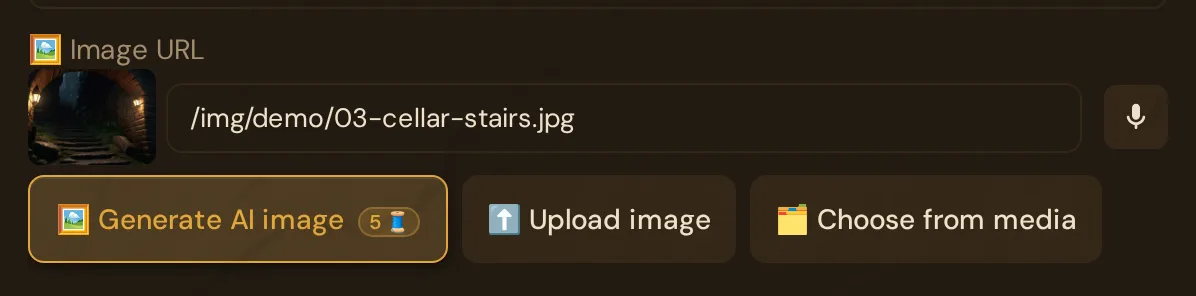
- Open the scene with ✏️ and click 🖼️ Generate AI image. The button shows its cost as a badge, and a confirmation shows the cost and your balance first. Cost: 5 Threads per image.
- Look at the suggestion. If it fits, keep it. If it doesn't, upload your own image or leave the scene without one; a scene works without an image. Another try costs another 5 Threads.
Your players see the image only when you push the scene. More on scenes: Scenes (prep).
Step 2: An NPC with personality and motivation
- In 📋 Prep, open NPCs and click + NPC. Creating NPCs costs nothing.
- Name: Morr. Personality: "Smooth talker, never looks anyone in the eye, drums his fingers on the table." Motivation: "Get the crates out through the cellar tunnel before midnight." If you like, add a secret in Secret (GM only!).
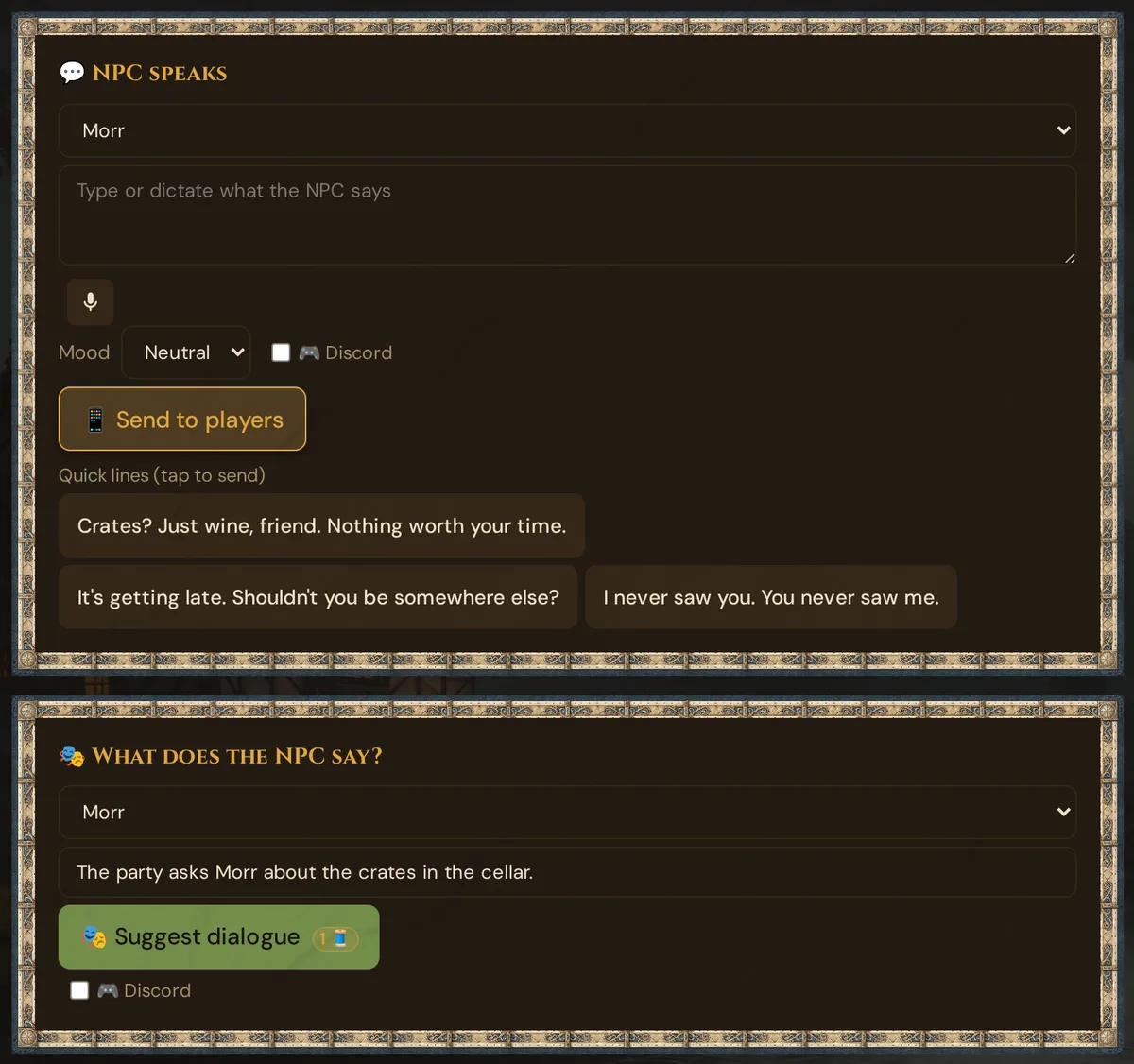
- During the evening, in 🎮 Live, open 🎭 NPC Dialog. In the card 🎭 What does the NPC say?, pick Morr, describe the situation and click 🎭 Suggest dialogue. Cost: 1 Thread per reply.
- Speak the line yourself or send it unchanged with 📱 Send to phones. To change it first, copy it into the NPC speaks card (see below), edit it there and send it.
A good and a weak situation
The situation you type decides how good the suggestion gets.
- Weak: "Morr talks." You get a generic line that fits any NPC.
- Good: "The party asks Morr about the crates in the cellar. Berta is listening at the bar. Morr wants them gone before midnight, but must not seem nervous." You get a line with subtext that only Morr would say.
Without AI: NPC speaks
Above the dialogue suggestions sits the card NPC speaks. Type or dictate what Morr says, pick a mood and click Send to players: the line appears as a speech bubble on the players' phones, without AI and without Threads. Under Quick lines (one sentence per line) in the NPC editor you store up to 20 ready-made lines for each NPC; in the live view one tap sends them (Quick lines (tap to send)). Recently said (tap to resend) sends a line again. More on NPCs: NPCs and NPC dialogue suggestions.
Step 3: Loot for a creature
- In 📋 Prep, open Monsters and create the giant spider from the cellar (+ Manual costs nothing).
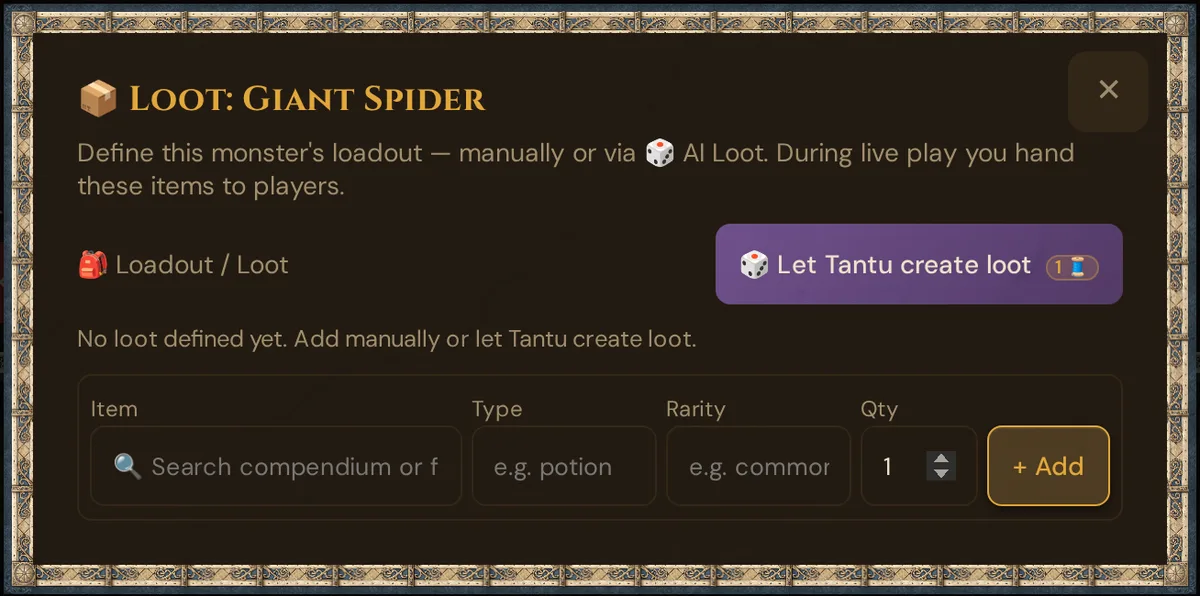
- On the spider's card, click 📦 Loot, then 🎲 Let Tantu create loot. Cost: 1 Thread per generation.
- Tantu suggests 5e-balanced loot, for example a smugglers' token or a waterproof map case. Remove what doesn't fit, add your own items.
- After the fight you hand the loot to the players.
The same button sits in the NPC editor under 🎒 Loadout / Loot. More on loot, images and sound: Suggestions: items, monsters, images, sound.
Step 4: Plan the next session with Story Coach
- At the end of the evening, open Sessions and add a few lines to the evening's 📝 Notes: "Morr fled through the tunnel. The party kept the map case." Step 5 builds on these notes.
- In 📋 Prep, open Story Coach and click the card ⚡ Next Session. Cost: 4 Threads (long text).
- Tantu reads your NPCs, plotlines and recent sessions and suggests a plan for the next evening. Copy what fits into your notes and drop the rest.
Every result is saved; the version list brings back earlier drafts. More: Story Coach.
Step 5: Recap draft after the evening
- In 🎮 Live, find the card 📜 Recap and click ✨ Suggest recap (AI). Cost: 1 Thread (short text).
- Tantu reads the notes of the most recent session (step 4) and suggests a recap draft of a few sentences.
- Check the names, add what's missing, cut what your players shouldn't know yet.
- Click 📜 Send, right away or at the start of the next evening.
If the session has no notes, there's little to summarise; add notes first or write the recap yourself. More: Session recap.
Tips for good suggestions
- Describe concretely. Who is there, what just happened, what does the NPC want? One sentence more in the situation beats three tries.
- Name names and mood. "Berta, tired, rain outside, the fireplace smokes" gives Tantu more to work with than "a tavern".
- Treat suggestions as drafts. Edit, shorten, discard. Nothing reaches your players until you send it.
- Fill the fields once. Personality, motivation and the scene description help every later suggestion.
What the evening costs
| Step | Suggestion | Threads |
|---|---|---|
| 1 | Scene image | 5 per image |
| 2 | NPC dialogue | 1 per reply |
| 3 | Loot | 1 per generation |
| 4 | Story Coach, next session | 4 (long text) |
| 5 | Recap draft | 1 (short text) |
| — | NPC speaks, quick lines | Free |
With your own AI key, the text suggestions (steps 2 to 5) cost 0 Threads; image suggestions are free only with your own Google Gemini key. See Instance Settings.
Related articles
- 🧰 Optional AI help — all functions at a glance
- 🧵 Threads & costs — your credit for optional extras
- 💬 NPC dialogue suggestions — lines and conversations for your NPCs
- ⚒️ Suggestions: items, monsters, images, sound — images, sound, loot, monsters
- 📖 Story Coach — plan the next session
- 📜 Session recap — write the recap or get a draft