⚙️ Settings & Admin
👤 For: Game Masters · 💳 Plan: All plans · 🔄 Updated 2026-10-17
The Settings & Admin sections give you full control over your Realm: appearance, security, storage, AI keys, Discord, and your data rights. These are the "owner" controls — separate from the per-campaign prep tools.
What it does
Settings & Admin is split across two layers: the Realm layer (inside your Realm, accessible to you as GM) and the platform/account layer (on app.wovenkeep.com, shared across all your Realms). This section documents the Realm layer. The table below shows where everything lives.
Two layers of settings
| Layer | Where | What |
|---|---|---|
| Realm settings (this section) | yourname.wovenkeep.com/gm → Admin |
Theme, favicon, AI keys, Discord webhooks, player AI toggle, storage top-up, login log, GDPR export |
| Account settings (platform) | app.wovenkeep.com → Dashboard |
Email, password, billing, plan, OAuth, marketplace |
In this section
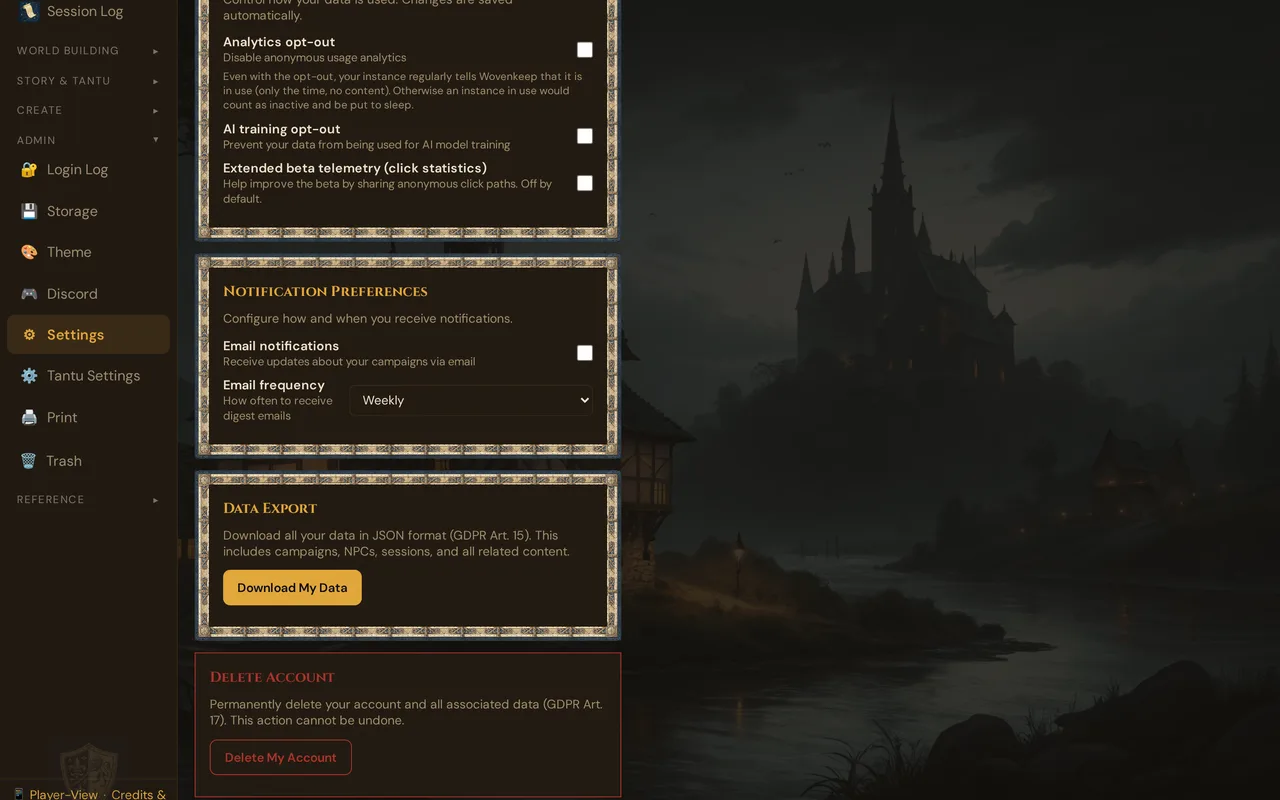
- 🔧 Instance Settings — theme, favicon, branding, notifications, privacy opt-outs, AI keys, Discord webhooks, and the Player AI toggle
- 💾 Storage & Files — quota usage, every file by size, storage top-up, clean-up
- 📋 Login Log — authentication history for security review
- 🔒 GDPR & Data Export — export everything, or delete your account
- 🔑 SSO & Feature Gating — how login and plan-gating work
Who can access these
Today, each Realm has a single GM account — you. All settings here are yours. There is no role separation within a Realm at this time.
The platform admin backend (app.wovenkeep.com/admin) is a separate, internal tool used only by Wovenkeep operators (support, billing, moderation). You do not have access to it and do not need it — your self-service controls are all in the sections above.
What's new (2026-06-24)
Three features that belong here were not documented before:
MFA / 2FA — Accounts can be protected with a time-based authenticator app (TOTP), e-mail 2FA as an alternative, and one-time recovery codes. The setup appears in the sign-in flow at app.wovenkeep.com — currently only for accounts that require 2FA (admin accounts); there is no setting to switch it on or off yourself. Details: Two-factor authentication. See SSO & Feature Gating for how MFA interacts with plan-gating.
Player AI toggle (allow_player_paid_ai) — Inside Instance Settings you control whether players may use optional AI help on your Thread balance (player toggle allow_player_paid_ai, default: off). Turn it on deliberately when you want players to access AI-generated portraits, descriptions, or NPC responses during play.
Storage top-up — On the Free (Adventurer) plan you start with 100 MB. If you need more, you can exchange Threads for permanent extra storage: 50 Threads → +500 MB, self-service below the storage bar on the Media page (💾 Storage opens it). No plan upgrade required.
Free-tier note: Idle-Stop & Cold-Start
On the free Adventurer plan, a Realm that sees no activity for 14 days is paused automatically to save resources. The next time you (or a player) logs in, it starts back up — this takes a few seconds (Cold-Start). Your data is never deleted; it is simply paused. Starter and higher plans keep your Realm running continuously.
Related articles
- 💰 Threads & what they cost — credit for optional extras: AI help and storage top-ups
- 💳 Pricing — plan comparison and Threads bundles
- 🏛️ The Realm concept — what a Realm is and the three URLs you'll use
- 🔧 Instance Settings — AI keys, Discord, Player AI toggle, and theme
- 💾 Storage & Files — quota, files by size, and top-up