🔑 Logging in: account vs. Realm
👤 For: Everyone · 💳 Plan: All plans · 🔄 Updated 2026-10-14
Wovenkeep has two doors, and they take different keys: your account on app.wovenkeep.com opens with your email and account password; your Realm on yourname.wovenkeep.com opens with its own GM password. This page walks you through both — and what to do when a key goes missing.
The two logins at a glance
| Account login | Realm login | |
|---|---|---|
| Where | app.wovenkeep.com/login |
yourname.wovenkeep.com/gm |
| Key | Email + account password (2FA where required) | GM password from your welcome email |
| What's behind it | Your plan, Threads, billing, Realm card, GM password management | The GM tool: campaigns, NPCs, scenes, live sessions |
| Who uses it | Everyone with a Wovenkeep account | You, as the Game Master of your Realm |
The two passwords stay separate — that's deliberate. Your account password never opens your Realm, and your GM password never opens your account. If one key ever leaks, the other door stays locked.
There is one shortcut: the Open GM Tool button at the top of your account dashboard signs you in to your Realm once, without the GM password (see below).
Logging in to your account
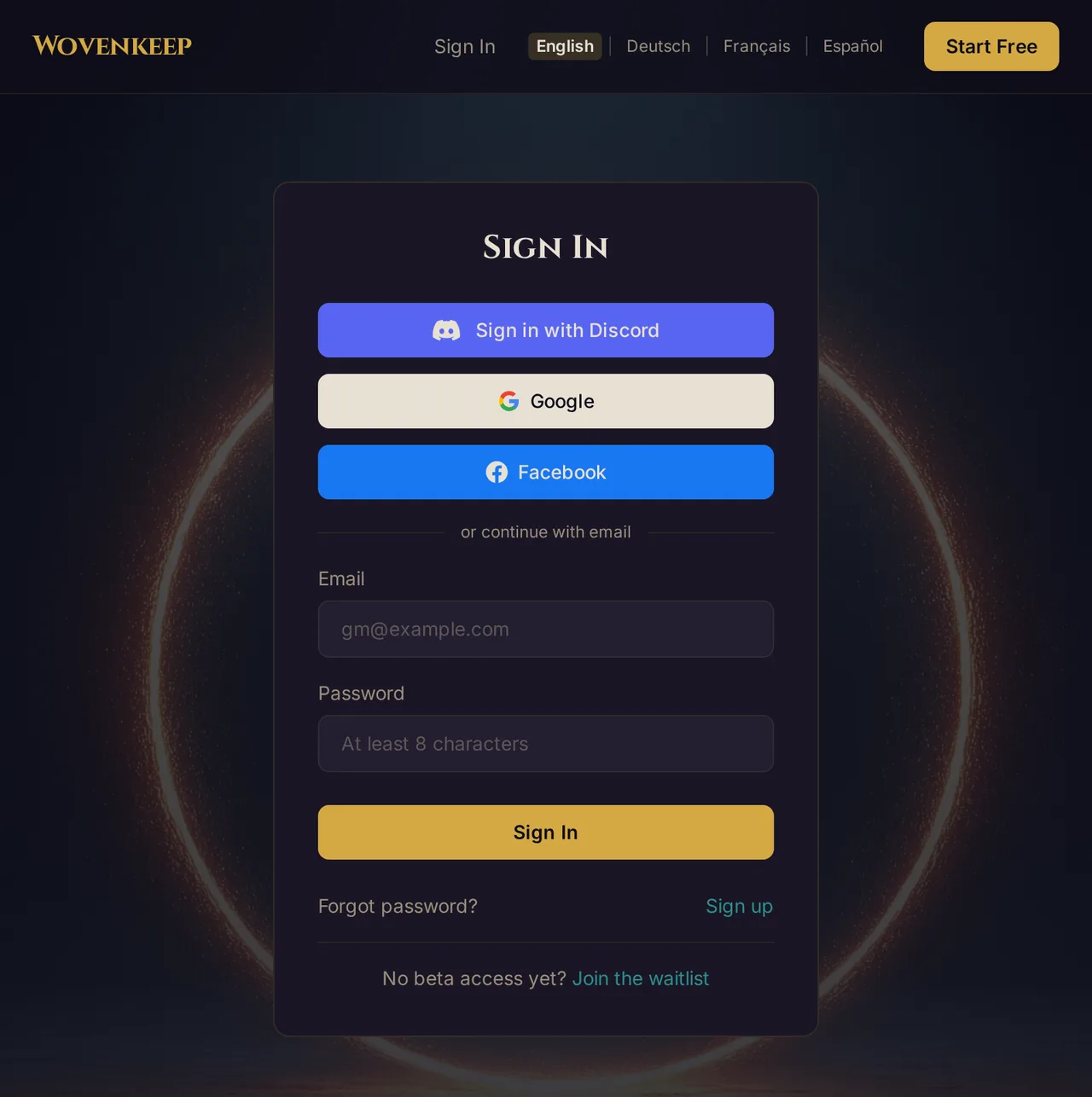
- Go to
app.wovenkeep.com/login— or click Login onwovenkeep.com. - Enter your email and your account password. Signed up with Discord, Google, or Facebook? Click the matching button instead.
- If your account uses two-factor authentication, enter the code from your authenticator app — or the one-time code Wovenkeep emails you. Right now 2FA is set up only for accounts that require it (admin accounts): see Two-factor authentication (MFA).
- You land on your account dashboard — plan, Threads, and your Realm's card. Player accounts land on their player home instead; see Player accounts & the Character Vault.
Forgot your account password? Click Forgot password? on the sign-in page and follow the reset email.
💡 Tip: The account login only works once your email is confirmed. If you just signed up and get turned away, click the link in the confirmation email first — see Creating your account.
Logging in to your Realm
From your account dashboard (no GM password needed)
At the top of your account dashboard, click Open GM Tool. The GM tool opens in a new tab and you are signed in straight away. Behind the scenes, Wovenkeep uses a one-time link that is valid for 60 seconds and works only once — it can't be bookmarked or shared.
- If the Realm is still starting, the dashboard shows The GM tool is starting. Please try again in a minute.
- If the one-time sign-in fails (for example because the link expired), the GM tool shows the normal password prompt with a note. Click Open GM Tool on the dashboard again, or log in with your GM password.
With your GM password
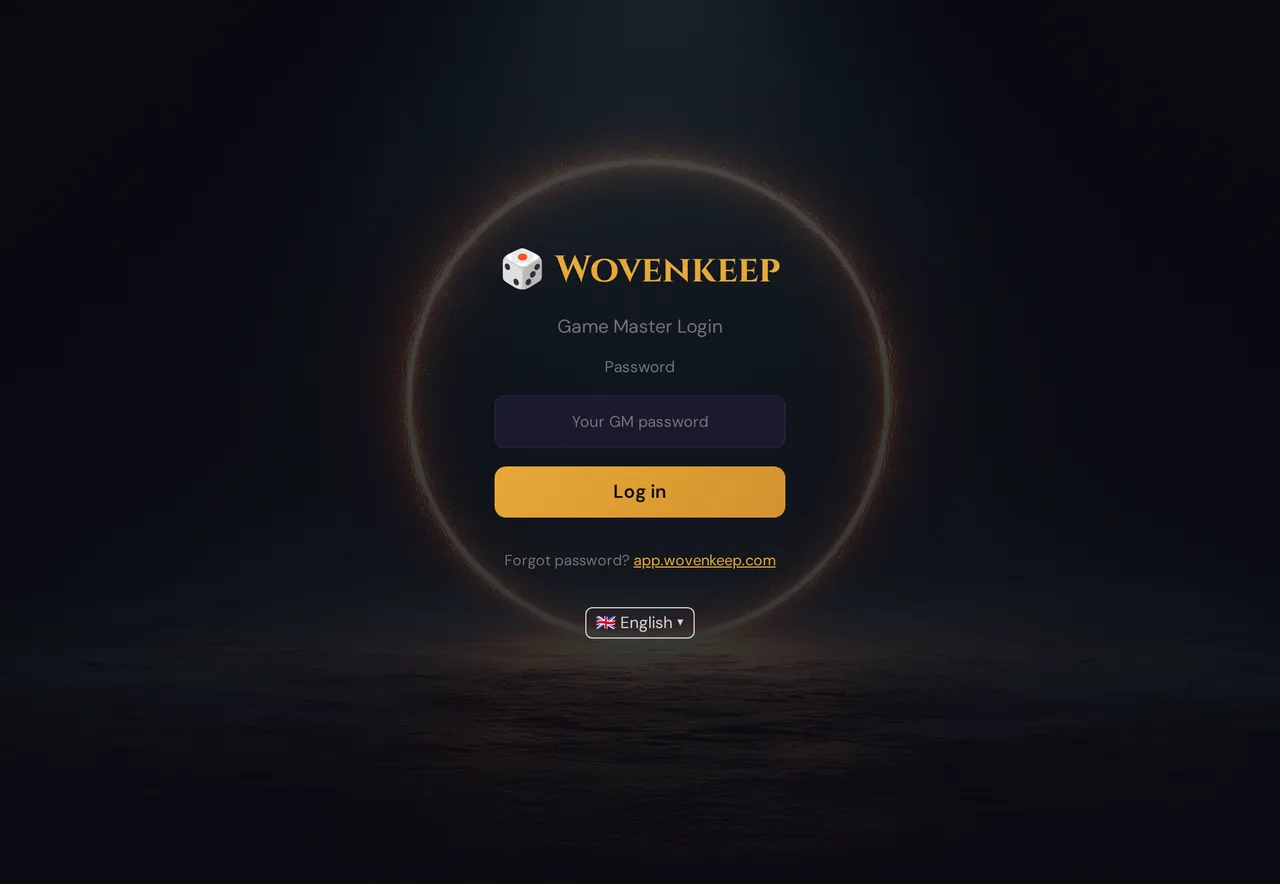
- Go to
yourname.wovenkeep.com/gm. Your Realm URL is in your welcome email and on your account dashboard's Realm card. - Enter your GM password — the separate password from the welcome email, not your account password.
- Click Log in. The GM tool loads and you're at the table.
Changing or resetting your GM password
Both live on your account dashboard, on your Realm's card:
- Change GM Password — set a new one yourself. Do this if the welcome email is still sitting in your inbox in plain sight.
- Forgot GM Password? — Wovenkeep resets it and emails you a fresh GM password.
Log in at app.wovenkeep.com, open the Realm card, pick the button you need. The new password works immediately on yourname.wovenkeep.com/gm — and it signs out every device that was signed in to the GM tool, so you sign in there again with the new password.
Troubleshooting
| Symptom | Cause | Fix |
|---|---|---|
| Login refused right after signing up | Email not confirmed yet | Click the link in "Please confirm your email address — Wovenkeep" first |
| Account password doesn't open the Realm | Expected — the Realm takes its own GM password | Click Open GM Tool on your account dashboard, use the GM password from the welcome email, or reset it from the dashboard |
| "Signing in from the dashboard didn't work (link expired or already used)" | The one-time link is valid for 60 seconds and only once | Click Open GM Tool on the dashboard again, or log in with your GM password |
| GM password lost and welcome email deleted | The password exists only in that email and in your head | Account dashboard → Realm card → Forgot GM Password? — a new one arrives by email |
| 2FA code rejected | Code expired, or your phone's clock drifts | Wait for a fresh code; make sure your phone sets its time automatically — see MFA |
| Can't remember your Realm URL | It's easy to lose in a full inbox | It's always on your account dashboard's Realm card |
| Signed out of the GM tool on every device | The GM password was changed or reset, Sign out all devices was used, or you signed out on app.wovenkeep.com or changed your password there |
Sign in with the current GM password, or click Open GM Tool on the dashboard |
Related articles
- ✨ Creating your account — where both passwords come from
- 🔐 Two-factor authentication (MFA) — the second lock on your account
- 🏛️ What is "your Realm"? — the space behind the GM password
- 🎒 Player accounts & the Character Vault — the lightweight login for players
- 📋 Login Log — who signed in to your Realm, and when