🎬 Cut-in system
👤 For: Game Masters · 💳 Plan: All plans · 🔄 Updated 2026-10-14
A cut-in is a full-screen flash that lands on every player phone at the same instant. Use them for moments that deserve a beat: a Nat 20, a betrayal, a boss reveal, the moment the dragon appears.
Unlike a scene push (which stays on the phone until replaced), a cut-in is a short interruption — it covers the current scene, holds for a moment, then dismisses itself automatically.
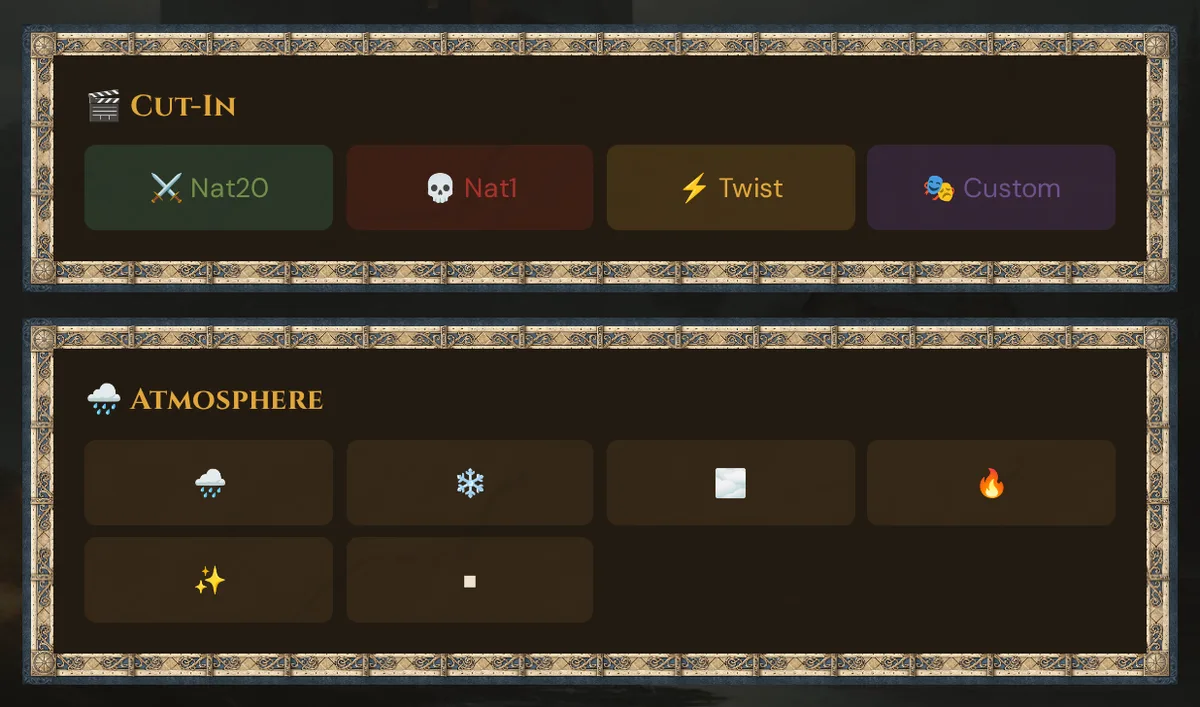
What it does
When you fire a cut-in, Wovenkeep pushes a styled full-screen overlay to every connected player simultaneously. The overlay shows colored text (and optionally an image) with an entrance animation, holds for a set duration, then fades away on its own. Players also get a vibration pulse when the cut-in hits.
When to use it
Cut-ins are the punctuation marks of your session — the visual equivalent of a dramatic pause. Fire one when something changes the mood in an instant:
- A player rolls a natural 20 or a natural 1
- A villain reveals themselves
- A sudden ambush or betrayal
- A prophecy, omen, or ominous message
- Any moment you want the whole table to feel at the same time
Step by step
- Start a live session so players are connected.
- In the GM interface, open Live → Scenes & Sound.
- Find the 🎬 Cut-In card on the right side.
- Click one of the four quick buttons — the cut-in fires immediately.
💡 Tip: There is no confirmation dialog — one click fires immediately. This is intentional so you can react in the moment without breaking flow.
The four styles
| Style | Color | Animation | Best for |
|---|---|---|---|
| dramatic | Amber / dark radial | Slow slam + scale | Plot twists, NPC reveals, cliffhangers |
| success | Green | Sharp slam | Nat 20, masterful saves, victories |
| danger | Red | Sharp slam | Nat 1, critical failures, ambushes |
| mystery | Purple | Soft fade | Riddles, omens, prophecies |
Text uses the Cinzel serif font at 2.5 rem with a drop shadow, centered on screen.
The quick cut-in buttons
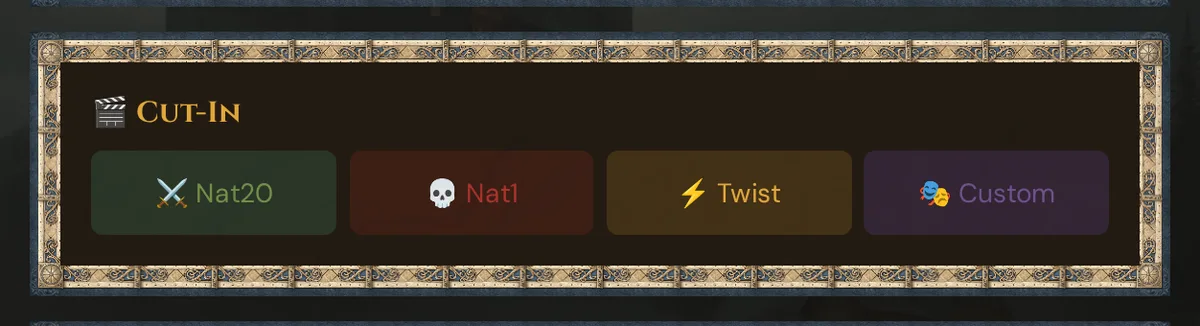
| Button | Pre-filled text | Style | Hold duration |
|---|---|---|---|
| ⚔️ Nat20 | ⚔️ CRITICAL HIT! |
success | 2.5 s |
| 💀 Nat1 | 💀 CRITICAL FAIL! |
danger | 2.5 s |
| ⚡ Twist | ⚡ PLOT TWIST! |
dramatic | 2.5 s |
| 🎭 Custom | (prompts for text) | dramatic | 3.5 s |
Custom text cut-ins
Click 🎭 Custom. A browser prompt asks for the text — type whatever fits the moment:
- "You hear the dragon's roar"
- "The mirror shatters"
- "You feel the curse take hold"
The cut-in fires immediately with dramatic style and a 3.5-second hold (slightly longer than the quick buttons, since custom text is usually more to read).
Cut-ins with images
The cut-in API fully supports an image alongside the text — the player screen renders the image above the text at up to 80 vw × 60 vh. However, the four quick buttons in the GM interface do not attach an image today — they send text only.
For a dramatic image reveal right now — the dragon appears, the villain unmasks — combine both tools: fire a text cut-in for the punch line (⚡ THE DRAGON ARRIVES!), then push the scene image immediately after. The combination lands well.
What the player sees
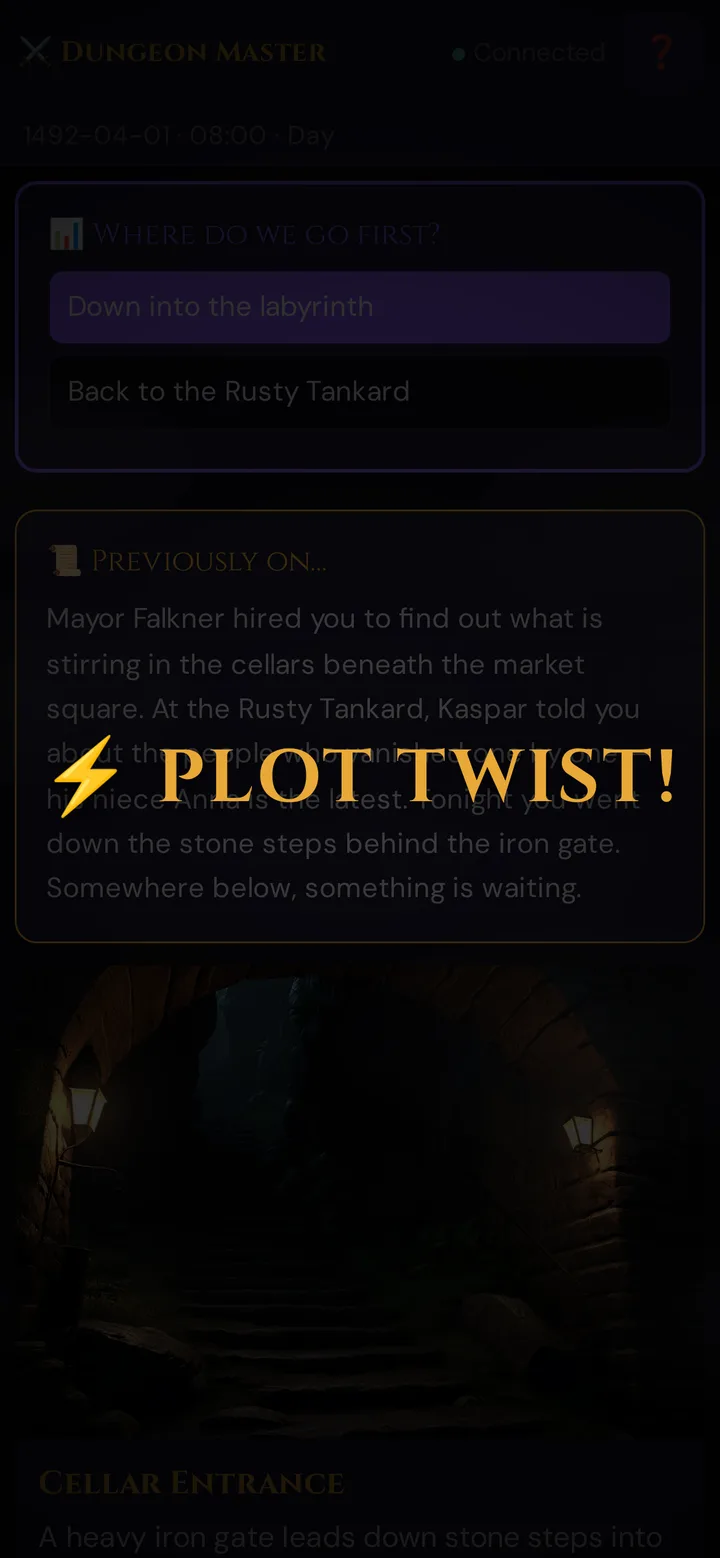
The cut-in slams in with a quick bounce animation, holds for its set duration, then fades away. Phones also vibrate at the moment of impact.
Players whose audio is unblocked (they have tapped the screen at least once since joining) will hear any sound effect attached to the cut-in. Players still behind the browser audio gate see the visual but stay silent.
If you play with a TV and set 📺 Sound via: to TV, the TV plays the cut-in's sound instead (once the TV has enabled sound) — the phones still show the cut-in and vibrate, but stay silent. See Sound on the TV.
Particle overlays (related, but different)
A common point of confusion: the particle overlays (rain, snow, fog, embers, fireflies) are not cut-ins. They are persistent atmosphere layered over whatever scene is on screen.
| What you want | Use |
|---|---|
| Short dramatic flash | Cut-in |
| Persistent weather/mood | Overlay |
| Replace the current scene image | Scene push |
The overlay buttons sit in their own quick row in Scenes & Sound:
🌧️ ❄️ 🌫️ 🔥 ✨ ⏹
One click sets the overlay; ⏹ clears it. See Scene push → Overlays.
Timing tips
Cut-ins are a spice, not a main course:
- One per memorable moment — every cut-in is less special than the last
- Pair Nat 20 cut-ins with sound — the green flash + sword SFX is the perfect ~3-second beat
- Use mystery sparingly — its calm purple feel is wasted on combat; save it for omens
- Custom text beats emoji-spam — write the actual moment, not just
⚡⚡⚡
A rule of thumb: if more than 4–5 cut-ins fire in one session, players start ignoring them. Treat them like a punctuation mark, not a sentence.
What gets recorded
Each cut-in is recorded in the Session Log (style and event type, not the exact text). If you want the moment remembered in detail, push a scene or jot a session note after it.
Plan limits
Cut-In Effects are included on all plans, including the free Adventurer plan — plans differ only in monthly Threads, campaigns, player seats, storage, and support.
Firing cut-ins costs no Threads.
See Threads & pricing for how to get Threads.
Troubleshooting
| Symptom | Cause | Fix |
|---|---|---|
| Cut-in fired but nothing appeared on a phone | Player was not connected at the moment it fired | Ask the player to rejoin; cut-ins are not buffered — they only reach phones live in the session |
| Players see the visual but hear no sound | Browser audio gate — the player hasn't tapped the screen yet since joining | Ask players to tap the screen once when they first join; that unlocks audio for the session |
| The phones show the cut-in but stay silent, the TV plays the sound | 📺 Sound via: is set to TV | Expected. To hear cut-in sounds on the phones again, choose Player phones |
| A natural 20 or 1 on a save, check or initiative roll didn't fire a cut-in | The automatic cut-in (with the player's name) fires only for attack rolls and the quick ⚡ d20 from the player app | Press ⚔️ Nat20 or 💀 Nat1 yourself for any other roll |
Related articles
- 🖼️ Scene push — overlays vs cut-ins, image reveals
- 🎵 Sound & ambient — pair cut-ins with SFX for maximum impact
- 🎲 Whisper & dice — the dice roll feed and what GM sees on a Nat 20/1
- 📡 Running a live session — where cut-ins fit in the session flow